


This issue is now resolved with version v2021.3 (93728).
KNOWN ISSUE:
With the release of ConnectWise Manage 2021.3, a new feature was introduced that allows for performance improvements for Mass Actions. To enable this feature, you need to enable the New ProcRunner lab from the Manage Labs setup table. System >Setup Tables > Manage Labs
From the 2021.3 Release Notes
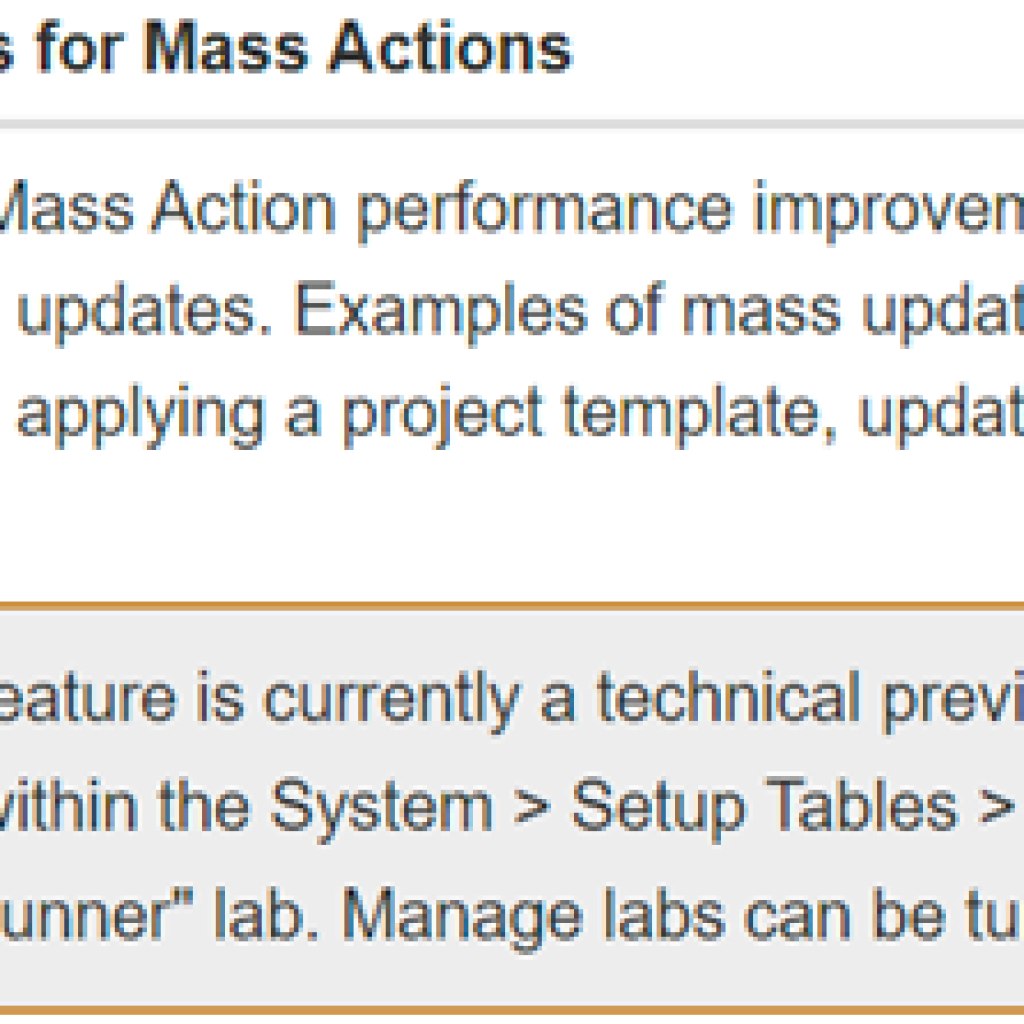
Some partners are experiencing an issue where the Payment Sync between Manage and QuickBooks Desktop no longer updates the invoices in Manage once the New ProcRunner is enabled. In addition, the Payment Sync does not always work again once the New ProcRunner is disabled.
ConnectWise is aware of this issue and is working on a fix. If you are experiencing this issue, we recommend that you follow this issue by following the link below and “Plus 1” it. This will tell ConnectWise that more partners are experiencing the issue and you’ll be notified when the fix is released.
https://home.connectwise.com/partnersupport/knownIssues/576133
Note: Adding yourself to a known issue by incrementing the affected users will allow ConnectWise to understand how many partners are affected, and will notify you once a resolution is available.
If you are experiencing this issue and disabling the New ProRunner does not restore the Payment Sync functionality, you’ll want to manually mark invoices as paid in Manage.
This is especially important for companies who use our Collections Module, as it depends on the Payment Sync to function properly.
If you have any questions about how to manually mark invoices as paid, please feel free to reach out to us.




