Login to https://home.connectwise.com
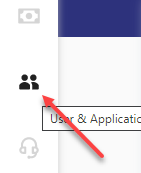
Navigate to the User icon on the left menu panel
*If icon isn’t displayed, then the logged in user account does not have the required permissions.
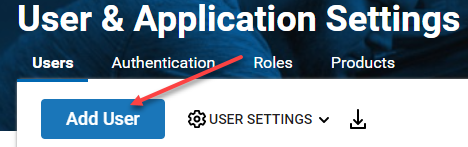
Select Add User
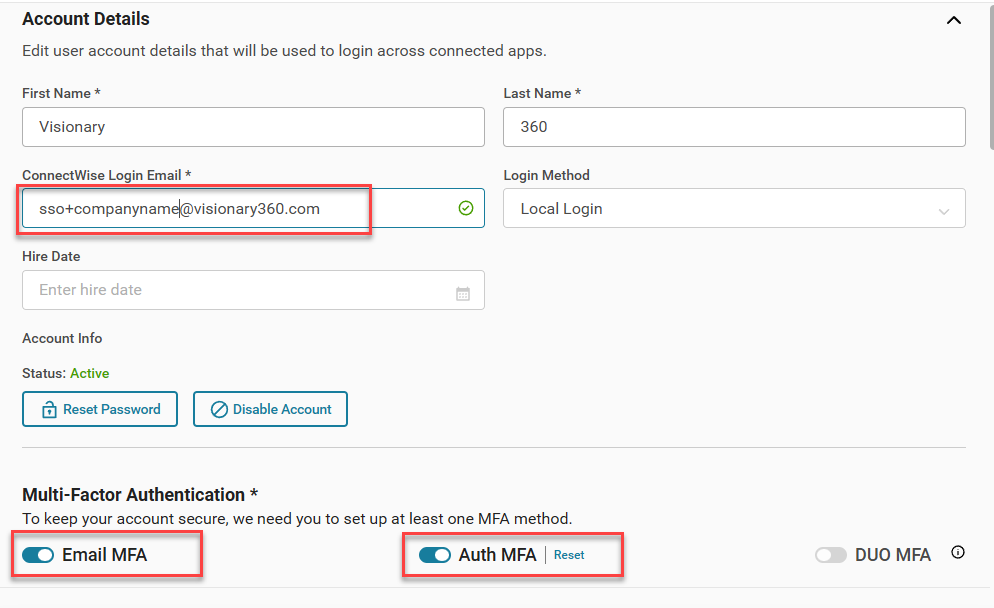
Account Details
Add Security Role (Optional)
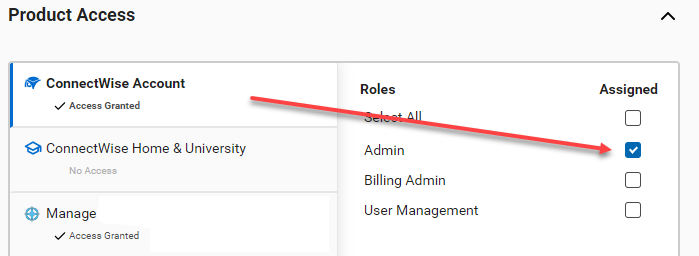
Scroll down to Product Access > click ConnectWise Account, then select the Admin check box.
* Admin access allows us to assist your company with CW Home issues. This optional, but support delays can result if not enabled.
Give Access
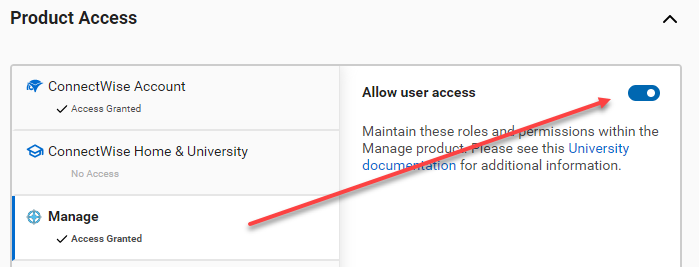
Click Manage, then select Allow user access.
Finish Adding User
Now, click Add User to complete this task.
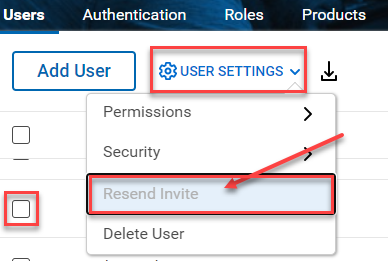
Send Invite to Visionary 360
Create a member login in ConnectWise Manage PSA for the account just created in ConnectWise Home.