


We’ve all encountered this scenario: you need to update a field value on multiple records in ConnectWise PSA, such as closing 25 duplicate tickets. You begin by navigating to the list view, selecting the records to update, and using the Action menu to apply the changes. Then, you’re met with the infamous “Updating. Please Wait…” window.
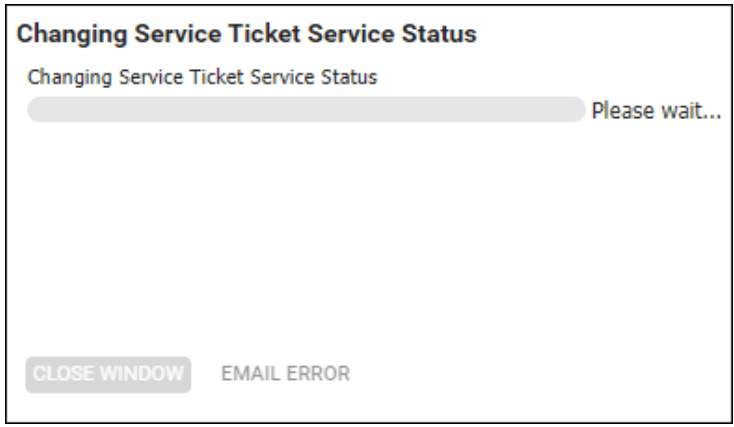
Did you know that many fields in ConnectWise allow changes directly from list views without needing the Actions menu?
Some column headers feature a small triangle in the upper corner, indicating that you can update the value directly from the list view without delving into the individual record.

If you’re fortunate enough to be updating a value where the column header has a triangle indicator, simply right-click or left-click the mouse while hovering over the value in the list view. The value options will appear as a pop-out menu on the screen.
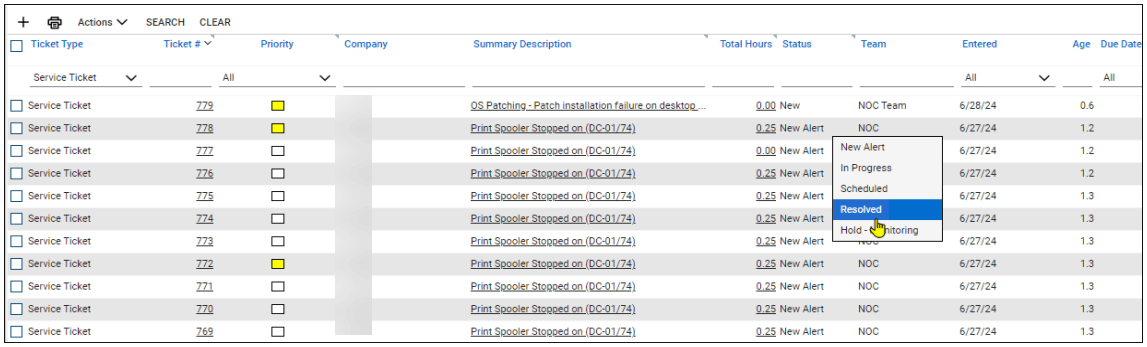
Select the value you want to update and move on to the next record—no checkboxes or saving needed! Using this method, you can quickly breeze through multiple updates without waiting for mass updates.
Of course, mass actions are necessary if you’re making hundreds of updates, but knowing this little trick can make quick work of an otherwise tedious task.
Keep visiting the Visionary 360 Blog page for more tips, tricks, and best practices for the ConnectWise suite of products.




